If you work with monthly reports, billing cycles, schedules, or dashboards, dates can quickly become frustrating—especially when months have different lengths. This is exactly where the Google Sheets EOMONTH function shines. It helps you calculate the last day of a month automatically, without counting days or worrying about leap years. In this guide, you’ll learn what EOMONTH does, how it works, when to use it, and how to avoid common mistakes so your spreadsheets stay accurate and reliable.
What Is the Google Sheets EOMONTH Function and Why Is It Useful?
The EOMONTH function returns the final calendar date of a month, based on a starting date and an offset in months. Instead of manually figuring out whether a month ends on the 30th or 31st—or handling February edge cases—EOMONTH does the work for you. This makes it ideal for financial tracking, recurring reports, payroll cutoffs, subscription periods, and project timelines.
At a high level, EOMONTH answers questions like: “What is the last day of this month?” or “What date will the month end two months from now?” Because it’s formula-driven, the result updates automatically when your input date changes, which is especially useful in templates and dashboards.
How Does the EOMONTH Function Work in Google Sheets?
EOMONTH uses two arguments: a start date and a number that represents how many months to move forward or backward. The function then returns the final day of the resulting month. The month offset can be positive, negative, or zero, giving you flexibility to calculate past, current, or future month-end dates.
Unlike some date functions that depend heavily on formatting, EOMONTH works on the underlying date value. As long as Google Sheets recognizes your input as a valid date, the function will calculate correctly—even if the displayed format changes.
What Is the Basic EOMONTH Formula?
EOMONTH Formula
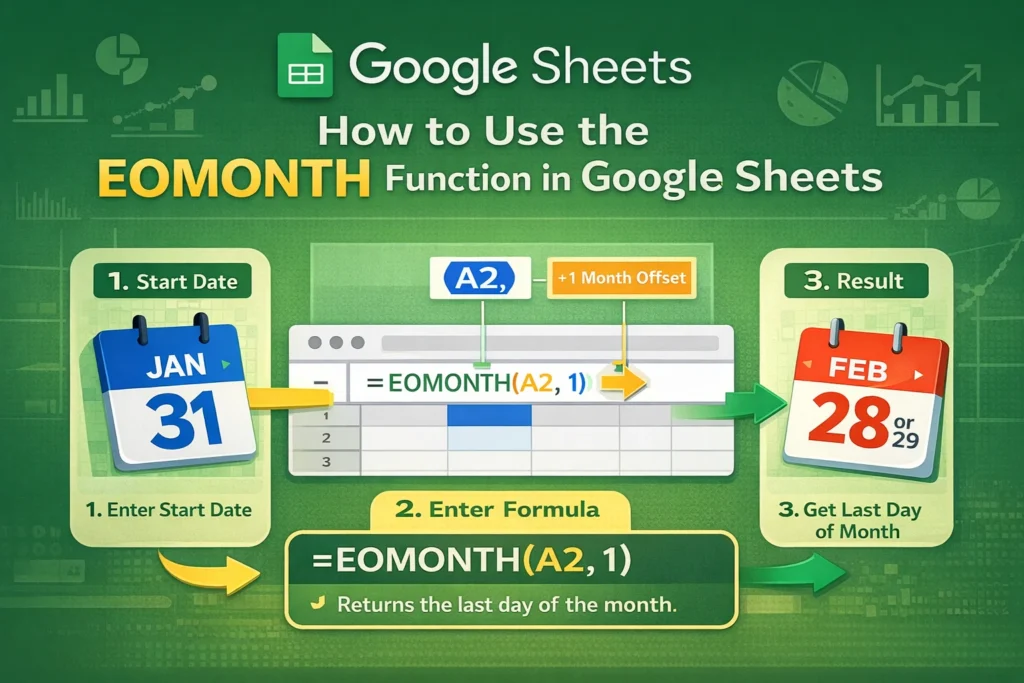
=EOMONTH(start_date, months)The start_date is any valid date or a reference to a cell containing a date. The months argument is an integer that tells Google Sheets how many months to move forward or backward before returning the end-of-month date.
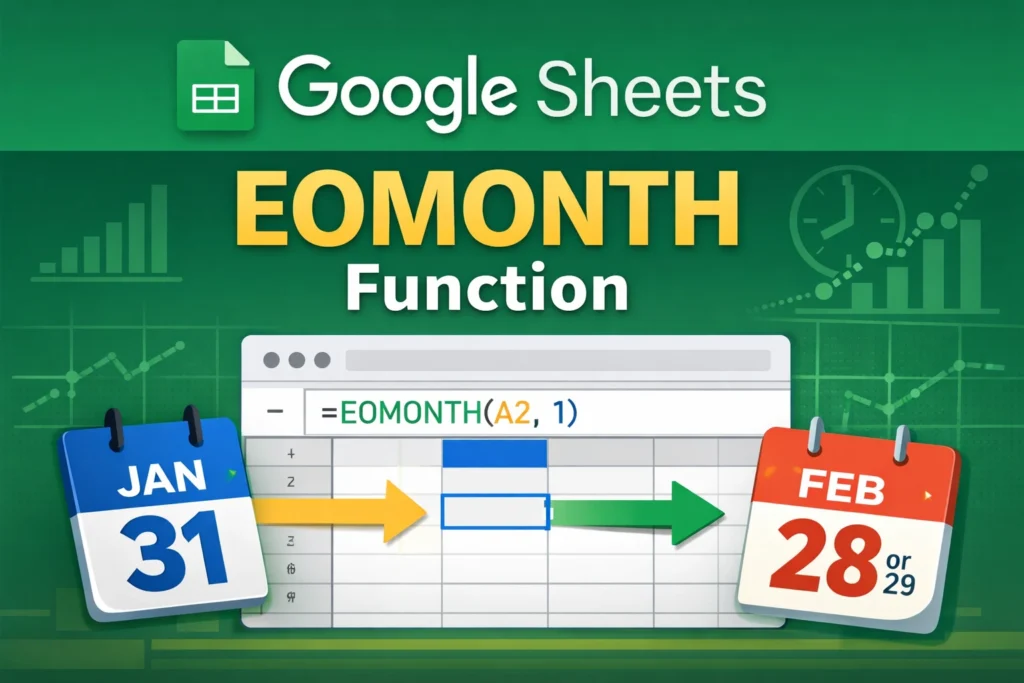
For example, if your start date is January 15 and months is 0, the result will be January 31. If months is 1, the result will be February 28 (or February 29 in a leap year). This automatic adjustment is one of the biggest advantages of using EOMONTH instead of manual calculations.
How Can You Use EOMONTH for Monthly Reporting and Dashboards?
Monthly reporting is one of the most common use cases for EOMONTH. Many reports rely on consistent date boundaries, such as “from the first of the month to the last day of the month.” EOMONTH makes it easy to define that end date dynamically.
For example, if a dashboard lets users select a month, EOMONTH can calculate the final day of that month instantly. This ensures charts, summaries, and totals always reflect the correct reporting period. It also reduces errors caused by hard-coded dates that don’t update automatically.
In financial dashboards, EOMONTH is often paired with the first day of the month to define a clean date range. This combination is especially useful when building templates that need to work year after year without manual updates.
How Do You Use EOMONTH for Billing Cycles and Deadlines?
Billing cycles and deadlines rarely align perfectly with calendar months unless you plan for them. EOMONTH helps standardize these timelines. If invoices are due at the end of each month, you can calculate due dates automatically instead of entering them manually.
This approach is also helpful for subscriptions, rent tracking, and payment reminders. When a client’s start date changes, EOMONTH recalculates the correct end-of-month deadline instantly. That makes your sheet more flexible and far less error-prone.
How Does EOMONTH Handle Past and Future Dates?
One of the most powerful features of EOMONTH is its ability to move backward or forward in time. A positive months value returns a future month-end date, while a negative value returns a past one.
For example, if you want to analyze the last day of the previous month, you can use a months value of -1. This is particularly useful in comparisons like “last month vs. this month” or rolling financial summaries. Because the logic is built into the function, you don’t need separate formulas for past and future calculations.
What Are Common Mistakes When Using EOMONTH in Google Sheets?
A common mistake is using text that looks like a date but isn’t actually recognized as one by Google Sheets. If EOMONTH returns an error or unexpected result, check that your start date is truly a date value and not plain text.
Another issue arises when users expect EOMONTH to return the first day of a month. It always returns the last day. If you need the first day instead, you’ll need a different approach or a companion function.
Formatting confusion is also common. EOMONTH returns a date serial number, which may display oddly if the cell isn’t formatted as a date. Adjusting the cell format usually fixes this instantly.
When Should You Use EOMONTH Instead of Other Date Functions?
EOMONTH is best when you specifically need the last day of a month. If you’re counting days between dates or shifting by a fixed number of days, other date functions may be more appropriate. However, when month length matters—and it often does in real-world spreadsheets—EOMONTH is the safest and cleanest option.
It’s especially useful in templates, shared spreadsheets, and automated reports where reliability matters more than one-off calculations. Using EOMONTH reduces maintenance and ensures your date logic stays correct over time.